
Key facts
Start here
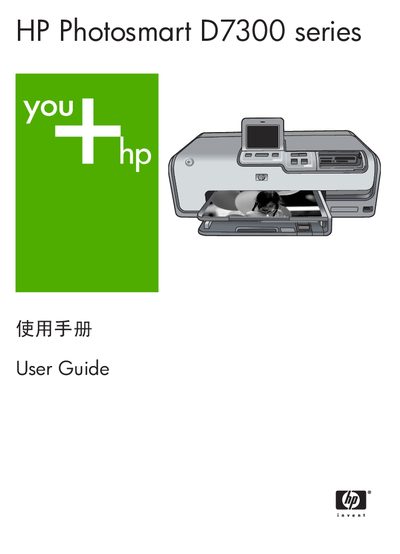
HP D7300 Series Printer User Guide
This guide introduces the HP Photosmart D7300 series printer, covering basic operation, media handling, and optional accessories. It explains how to print photos directly from the printer, from memory cards, digital cameras, iPods, or a computer, and describes the special features such as HP Real Life technology and PictBridge.
Later sections detail maintenance tasks like cleaning the print head, calibrating the printer, and storing the device, as well as troubleshooting common error messages, system requirements, technical specifications, and warranty information.
HP D730 specifications
| Supported Windows operating systems | Windows 98, 2000 Professional, Me, XP Home, XP Professional |
|---|---|
| Minimum processor (Windows) | Intel Pentium II or faster |
| Minimum RAM (Windows) | 64 MB (recommended 128 MB) |
| Connectivity | USB |
All HP D730 documents by type
Mounting, wiring and first power-up. Read it before the hardware goes in.
Day-to-day operation, settings and troubleshooting. Start here if the product is already set up.
Questions answered in these manuals
How do I install the HP Deskjet D730 printer on Windows?
Run the HP installation wizard from the CD, follow the on‑screen prompts, and connect the USB cable only when instructed.
How do I install the HP Deskjet D730 printer on a Macintosh?
Insert the printer software CD, double‑click the installer icon in the Finder, accept the license agreement, and click Install.
What should I do when the printer shows a "paper out" error?
Load paper into the tray and press OK to continue printing.
How can I fix an "unsupported media size" error?
Remove the paper, press OK, and load paper of a size that the printer supports.