
Key facts
Start here
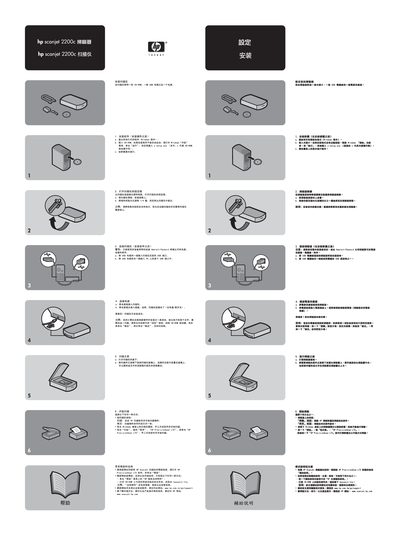
HP ScanJet 2200c Scanner User Manual
User Manual 1 pages · 1.2 MB · ZH
This manual provides step‑by‑step instructions for installing the HP ScanJet 2200c scanner, including software setup from the supplied CD‑ROM and connecting the device via USB. It also covers basic scanning operations and troubleshooting tips.
Additional sections describe how to access HP support resources, use the HP PrecisionScan LTX software, and safely handle the scanner hardware during installation and use. This manual is written in Chinese.
HP 2200c specifications
| Processor options | Intel Celeron D 326 – 2.53 GHz (256 KB L2 cache, 533 MHz front‑side bus) |
|---|---|
| Memory | 256 MB – 1 GB PC2‑5300 DDR2 SDRAM (667 MHz, non‑ECC, single‑channel) |
| Hard drive capacity | 40 GB – 250 GB Serial ATA (7200 rpm) |
| Power supply | 250 W ATX with PFC or non‑PFC, 115 V/230 V auto‑switch |
| Dimensions (H×W×D) | 353 mm × 175 mm × 416 mm |
| Warranty options | 1/1/1, 3/1/1 or 3/3/3 (parts/on‑site/on‑site) |
All HP 2200c documents by type
User Manual 1
Day-to-day operation, settings and troubleshooting. Start here if the product is already set up.
Product Leaflet 1
Questions answered in these manuals
Which operating systems are supported by the HP dx2200?
It supports Microsoft Windows XP Professional SP2, Windows XP Home SP2, and Free DOS.
How many USB 2.0 ports does the dx2200 provide?
The desktop includes six USB 2.0 ports.