
Key facts
Start here
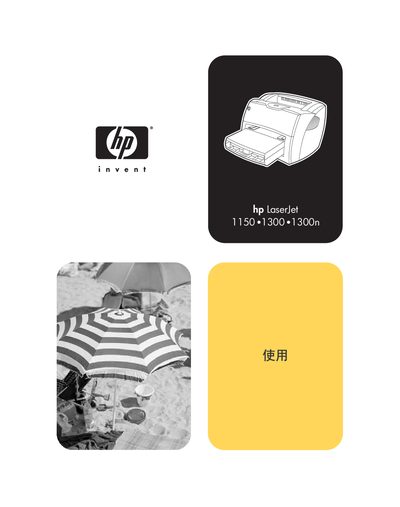
HP LaserJet 1150 and 1300 Series Printer User Manual
This manual provides detailed instructions for installing, configuring, and operating HP LaserJet 1150 and 1300 series printers. It includes guidance on connecting the printer to Windows, Macintosh, and UNIX systems, as well as information on networking and wireless options.
The document also covers routine maintenance, troubleshooting tips, and specifications such as Energy Star compliance and supported operating environments. Users can find quick reference tables, settings explanations, and safety notices throughout the guide.
HP LaserJet 1150 specifications
| Print speed | 18 ppm (Letter), 17 ppm (A4) |
|---|---|
| First page output time | 10 seconds |
| Print resolution | 1200 dpi |
| Processor | 133 MHz Motorola Coldfire |
| Memory | 8 MB |
| Standard paper tray capacity | 250 sheets |
| Monthly duty cycle | 10 000 pages |
| Power consumption | 0 W off, 7 W standby, 320 W printing |
All HP LaserJet 1150 documents by type
Day-to-day operation, settings and troubleshooting. Start here if the product is already set up.
Questions answered in these manuals
What Windows versions are supported?
The manual lists Microsoft Windows and Windows NT as supported operating systems.
Is Macintosh supported?
Yes, Macintosh computers are listed as a supported platform.
What is the first page output time for the HP LaserJet 1150?
The printer produces the first page in just 10 seconds.
What print speeds does the HP LaserJet 1150 achieve?
It prints up to 18 ppm on Letter size paper and 17 ppm on A4.