
Key facts
Start here
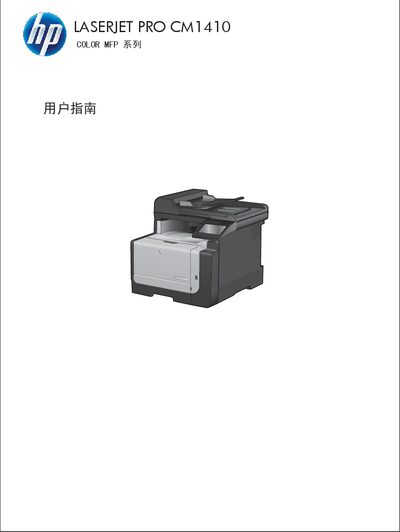
HP LaserJet Pro CM1410 Color MFP User Guide
This guide covers everything you need to know about the HP LaserJet Pro CM1410 Color MFP, including product basics, control‑panel layout, menu navigation, software installation for Windows and Mac, network configuration, and how to use printing, copying, scanning, and fax functions. Detailed instructions are provided for handling different paper types, adjusting color settings, and troubleshooting common issues.
Appendices contain the full product specifications, safety and environmental information, and regulatory compliance details. The document also includes a comprehensive index and reference tables for supported media, paper sizes, and hardware connections. This manual is written in Chinese.
HP CM1410 specifications
| Supported paper size – Letter | 216 × 279 mm |
|---|---|
| Supported paper size – A4 | 210 × 297 mm |
| Maximum custom paper size | 216 × 356 mm |
All HP CM1410 documents by type
Day-to-day operation, settings and troubleshooting. Start here if the product is already set up.
Questions answered in these manuals
How do I change the paper size and type in the printer driver?
Open the Print dialog from the application, select the HP LaserJet Pro CM1410, click Properties or Preferences, go to the Paper/Quality tab, choose the desired paper size and type from the drop‑down lists, and click OK.
How do I print a document from a USB flash drive?
Insert the USB drive into the front USB port, open the USB flash drive menu, select the file, and press the Print button.
How can I perform manual duplex printing from Windows?
In the print dialog, select the product, open Properties, go to the Finish tab, check the Manual Duplex option, print the first side, then re‑insert the paper and print the second side.