
Key facts
- Brand
- HP
- Model
- M407
- Category
- Digital cameras
- Industry
- Electronics
- Documents
- 2
- Languages
- EN · ZH
- Last added
- 2012-06-04
Start here
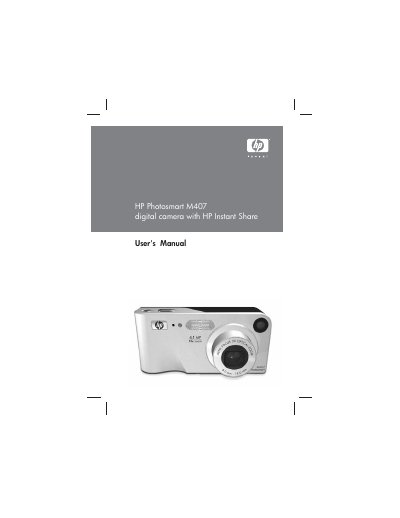
HP Photosmart M407 User Manual
This manual covers everything you need to get started with the HP Photosmart M407 digital camera, from attaching the wrist strap and installing batteries to configuring language, date, and time settings. Detailed chapters guide you through taking still pictures, recording video clips, using HP Instant Share, and transferring or printing images.
Additional sections explain the setup menu, battery management, optional accessories, specifications, and troubleshooting tips, helping you maintain and fully utilize the camera’s features.
HP M407 specifications
| Resolution (still pictures) | 4.23 MP (2396 × 1766) total, 4.11 MP (2344 × 1752) effective |
|---|---|
| Sensor diagonal | 7.18 mm (1/2.5‑inch, 4:3 format) |
| Color depth | 36 bit (12 bits × 3 colors) |
| Lens focal length | Wide 6.25 mm, Telephoto 17.25 mm (35 mm equiv. ~34‑95 mm) |
| F‑Number | Wide f/2.9‑f/4.9, Telephoto f/4.8‑f/8.0 |
| Zoom | 3× optical, 6× digital |
| Shutter speed range | 1/2000 s to 2 s |
| Weight | 146 g (0.32 lb) without battery |
Source: HP Photosmart M407 User Manual
All HP M407 documents by type
Day-to-day operation, settings and troubleshooting. Start here if the product is already set up.
Questions answered in these manuals
How can I recharge the batteries?
Batteries can be recharged in the camera using the optional HP AC power adapter or the HP Photosmart M‑series dock, or separately with the HP Photosmart Quick Recharger.
How do I install the battery?
Slide the battery/SD‑card cover on the side of the camera, insert the battery as shown, then close the cover.
What is the maximum supported memory card size?
The camera supports SD and MMC cards up to 1 GB in capacity.