
Key facts
Start here
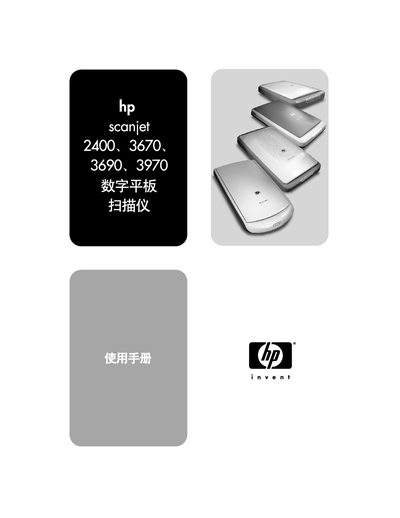
HP Scanjet 2400/3670/3690/3970 User Manual
This manual covers the HP Scanjet flatbed scanners, including the 2400, 3670, 3690, and 3970 models. It provides detailed instructions for installing the device, configuring software, and performing scans on both Windows and Macintosh platforms.
Additional sections describe safety precautions, Energy Star compliance, TWAIN toolkit compatibility, technical specifications, and troubleshooting tips to help users maintain optimal performance.
HP Scanjet 2400 specifications
| Optical resolution | 1200 dpi |
|---|---|
| Maximum document size | 216 × 297 mm (8.5 × 11.7 in) |
| Interface | USB 2.0 compatible |
| Weight | 2.2 kg |
| Dimensions | 458 × 275 × 615 mm |
| Supported file formats (PC) | BMP, TIFF, GIF, JPEG, FPX, PCX, PNG, TXT, PDF, HTML, RTF |
Source: HP Scanjet 2400 User Manual
All HP Scanjet 2400 documents by type
Day-to-day operation, settings and troubleshooting. Start here if the product is already set up.
Questions answered in these manuals
Is the HP Scanjet Energy Star certified?
Yes, the scanner carries an Energy Star rating of 17.
Does the scanner support TWAIN?
Yes, it includes TWAIN Toolkit version 432 for compatibility with TWAIN-enabled applications.
What is the maximum scanning resolution of the Scanjet 2400?
The scanner provides an optical resolution of 1200 dpi, with a hardware resolution of 1200 × 1200 dpi and an enhanced resolution up to 999.999 dpi.