
Key facts
Start here
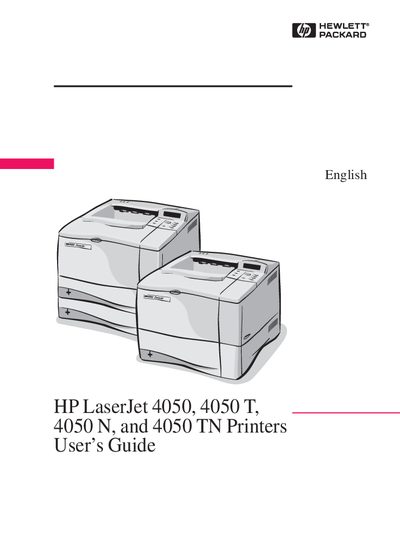
HP LaserJet 4050, 4050T, 4050N, 4050TN Printers User’s Guide
This guide explains how to install, configure, and use the HP LaserJet 4050 series printers. It includes detailed steps for loading paper, labels, and transparencies, as well as instructions for accessing online help and driver downloads.
The manual also contains specifications, control‑panel menu descriptions, and troubleshooting procedures. Service and warranty information, plus contact details for HP support, are provided at the end of the document.
All HP LaserJet 4050, 4050T, 4050N, 4050TN documents by type
Day-to-day operation, settings and troubleshooting. Start here if the product is already set up.
Questions answered in these manuals
How do I print labels with the LaserJet 4050 series?
Use only labels recommended for laser printers, load them in Tray 1 with the printable side up, and print a stack of 50‑100 labels as described.
From: HP LaserJet 4050, 4050T, 4050N, 4050TN Printers User’s Guide
Where can I get additional support for my HP LaserJet 4050 printer?
Contact HP Direct at (800) 538‑8787 (U.S.) or visit the HP website for drivers, software, and service information.
From: HP LaserJet 4050, 4050T, 4050N, 4050TN Printers User’s Guide