
Key facts
Start here
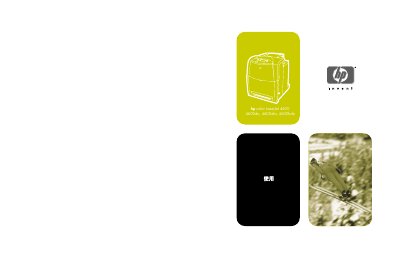
HP Color LaserJet 4600 Series Printer User Manual
This manual explains how to install, configure, and operate the HP Color LaserJet 4600 Series printer. It covers basic printer information, control‑panel functions, and the steps needed to get the printer up and running in a networked or standalone environment.
The guide also details paper‑handling options, media specifications, consumable replacement, troubleshooting, and advanced features such as embedded web server configuration and network settings. This manual is written in Chinese.
HP 4600 series specifications
| Scanner type | Flatbed |
|---|---|
| Weight (without clamp) | 1.4 kg |
| Maximum project size (without clamp) | 410 x 300 x 17 mm |
| Scan element resolution | 2400 ppi |
| Interface | USB 2.0 |
| Optical resolution | 2400 x 2400 ppi |
| AC power voltage (North America) | 100‑120 V, 60 Hz |
All HP 4600 series documents by type
Day-to-day operation, settings and troubleshooting. Start here if the product is already set up.
Questions answered in these manuals
Where can I download the paper‑media specifications guide?
The guide can be downloaded from the HP support site at http://www.hp.com/support/lj4600.
How do I scan a single document or photo?
Place the item on the glass, press the Scan button on the front panel, and follow the on‑screen instructions.
How do I enable power‑save mode?
Press the Power‑Save button to turn off the scanner lamp and place the scanner in low‑power mode.