
Key facts
Start here
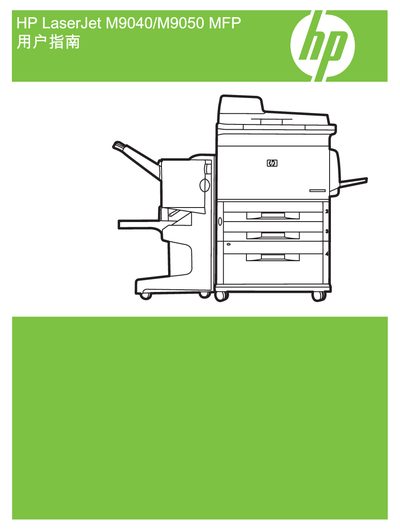
HP LaserJet M9040/M9050 MFP User Manual
This manual covers the installation and configuration of the HP LaserJet M9040/M9050 MFP, including driver installation for Windows, network setup, and use of HP Web Jetadmin for management. It also describes the HP Easy Printer Care program and the HP Printer Utility that help maintain print quality and troubleshoot common issues.
Additional sections provide copyright information, ENERGY STAR certification details, and reference numbers such as PBS: CC395-90947. The document is organized with clear headings for each functional area, making it easy for users and service technicians to locate the needed information.
HP 9050mfp specifications
| Print speed (9050mfp) | 50 ppm |
|---|---|
| Processor | 533 MHz |
| Monthly duty cycle | 300,000 pages |
| Paper tray 1 capacity | 100 sheets or 10 envelopes |
| Paper tray 2/3 capacity | 500 sheets each |
| Paper tray 4 capacity | 2,000 sheets |
All HP 9050mfp documents by type
Day-to-day operation, settings and troubleshooting. Start here if the product is already set up.
Questions answered in these manuals
What is the copyright year for the HP LaserJet M9040/M9050 MFP manual?
The manual shows a copyright year of 2008.
Does the HP LaserJet M9040/M9050 MFP have ENERGY STAR certification?
Yes, the manual includes the ENERGY STAR® logo indicating certification.
What is the printing speed of the HP LaserJet 9050mfp?
The HP LaserJet 9050mfp prints at 50 pages per minute.
How many sheets can paper tray 4 hold?
Paper tray 4 can hold up to 2,000 sheets of standard media.