
Key facts
- Brand
- HP
- Model
- Scanjet 5590
- Category
- Other device
- Documents
- 2
- Languages
- EN · ZH
- Last added
- 2012-03-14
Start here
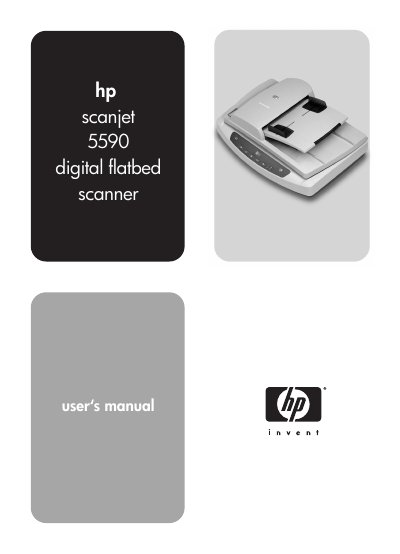
HP ScanJet 5590 Flatbed Scanner User Manual
This manual describes how to operate the HP ScanJet 5590 flatbed scanner, including installing the HP Photo & Imaging software, using front‑panel buttons, and scanning documents, pictures, slides, and negatives. It also covers scanning from the automatic document feeder (ADF) and configuring settings such as preview, power‑save and OCR.
Additional sections provide guidance on caring for the scanner glass, transparent materials adapter (TMA), and ADF, as well as troubleshooting tips, regulatory information and detailed product specifications.
HP Scanjet 5590 specifications
| Scanner type | Flatbed with Automatic Document Feeder (ADF) |
|---|---|
| Weight (with ADF) | 5.7 kg |
| Dimensions (with ADF) | 488 × 340 × 162 mm |
| Interface | USB 2.0 High‑Speed |
| Optical resolution | 2400 × 2400 dpi |
| Power supply (North America) | 100‑120 V 60 Hz |
All HP Scanjet 5590 documents by type
Day-to-day operation, settings and troubleshooting. Start here if the product is already set up.
Questions answered in these manuals
How do I scan a document using the front‑panel button?
Place the document on the glass or in the ADF, press the Scan Document button, choose settings in the dialog, and click Scan.
How can I clean the scanner glass?
Refer to the Maintenance section; clean the glass with a soft, lint‑free cloth and avoid using abrasive cleaners.