
The HP Officejet H470 Printer Series User Guide provides an overview of the features and characteristics of the printer.
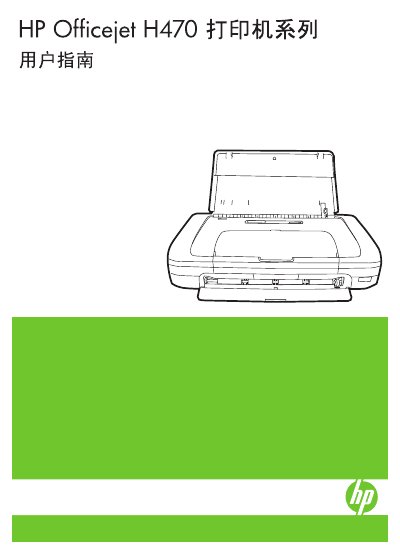
This manual guides users through the initial setup of the HP Officejet H470 printer series, including unpacking, installing accessories such as batteries and wireless adapters, and configuring the device for use with Windows, Mac OS, and mobile platforms. Safety precautions and proper handling of power connections are also covered.
Further sections detail how to select and load media, adjust print settings, use HP Solution Center software, perform two‑sided and borderless printing, and connect via 802.11 wireless or Bluetooth. The guide concludes with maintenance tasks, troubleshooting tips, control‑panel indicator explanations, and specifications for the printer. This manual is written in Chinese.
To replace the ink cartridge, locate the cartridge compartment, remove the empty cartridge, and insert a new cartridge following the illustrated steps.
Enable Bluetooth on the printer, set up the Bluetooth wireless connection in the printer’s menu, and pair it with the desired device using the provided PIN code.
Read all safety warnings, use a grounded power outlet, avoid installing near water or when wet, and ensure the printer is placed on a stable surface.
Use the printer’s wireless setup wizard to configure the 802.11 network settings, either via USB ad‑hoc mode or directly through the printer’s control panel.