
This reference guide covers the control panel, setup, connectivity, hardware configuration, and troubleshooting for the HP ENVY Inspire 7900e Series printer.
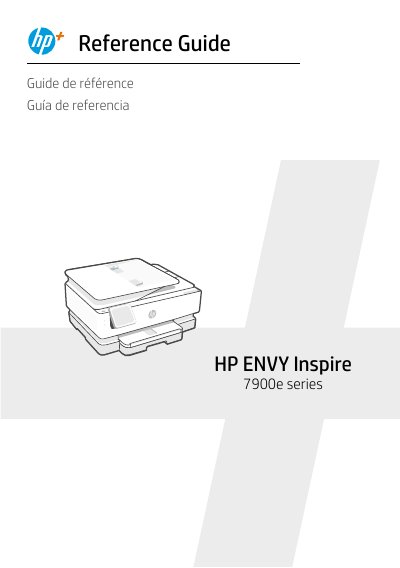
This document serves as a reference guide for the HP ENVY Inspire 7900e Series printer, providing instructions in English, French, and Spanish. It details the functions of the control panel, including the Dashboard, Setup, and Help menus, as well as hardware features like the automatic document feeder and scanner lid.
| Paper Sizes Supported | Letter/A4, 4x12 inches photo |
|---|---|
| Photo Sizes Supported | 4x6, 5x5, 5x7 inches |
| Document Feeder | Automatic |
No, printers with a label covering the USB port must be set up with HP Smart and an Internet connection.
Swipe down on the control panel to open the Dashboard, touch Network Setup, and select Restore Network Settings.