
This guide provides configuration, use, and safety and environmental information for HP ENVY Inspire 7200e series and HP ENVY Inspire 7900e series products.
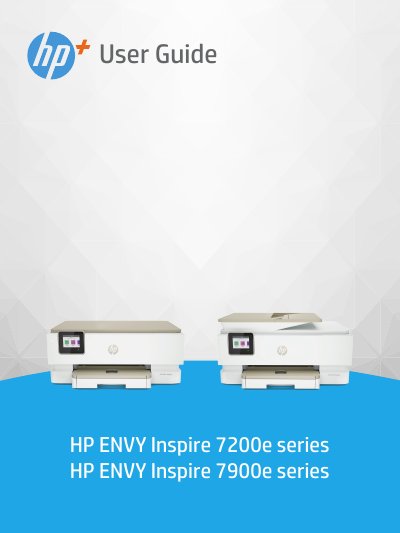
This user guide covers the setup, operation, and maintenance of the HP ENVY Inspire 7200e and 7900e series printers. It includes instructions on connecting the printer to a network, loading various media types, and managing ink cartridges. The guide also details how to print, copy, and scan documents using the HP Smart app or embedded software.
| Operating temperature | 5° to 40° C (41° to 104° F) |
|---|---|
| Operating humidity | 15 to 80% RH non-condensing |
| Main tray capacity (plain paper) | Up to 125 sheets |
| Photo tray capacity | Up to 15 sheets |
Specifications are listed in Appendix A of this guide or on the HP online support website.
The recommended operating conditions are between 15° and 32° C (59° to 90° F).