
Installation guide for HP PageWide Enterprise Color MFP 586 series printers, covering setup, power, network, and cartridge installation.
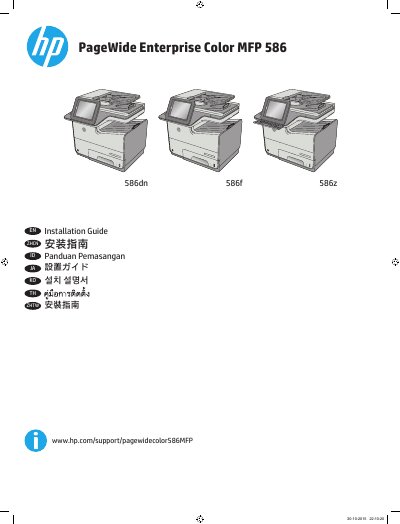
This guide provides step-by-step instructions for installing the HP PageWide Enterprise Color MFP 586 series printer. It covers selecting a suitable location, connecting power and network cables, installing cartridges, and configuring language and time settings. The guide includes multilingual instructions for different regions and languages.
Key steps include placing the printer in a well-ventilated area, connecting the power cable to a grounded outlet, setting language and time zone via the control panel, and installing toner cartridges. Optional steps include installing keyboard overlays for specific languages and connecting fax cables with appropriate adapters.
Select a sturdy, well-ventilated, dust-free area, away from direct sunlight.
The printer uses 100-240 Vac 50/60 Hz.
Connect the network cable now. Do not connect the USB cable.
Some languages require installing a keyboard overlay.