
Key facts
- Brand
- DELL
- Model
- W-AP220 Series
- Category
- Wireless connection
- Documents
- 2
- Languages
- KO · EN
- Last added
- 2023-11-25
Start here
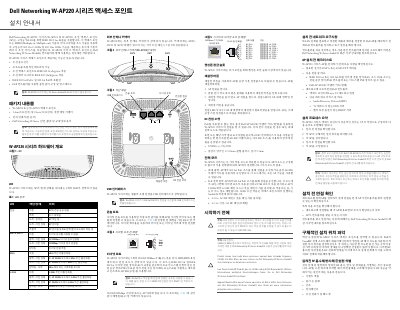
Dell Networking W-AP220 Series Access Point Installation Guide
This Dell Networking installation guide covers the W-AP220 Series wireless access points, including the W-AP224 and W-AP225 models. It describes package contents, hardware layout, LEDs, ports, and reset procedures for the access points.
The guide explains pre-installation network requirements, mounting location selection, and the five-step installation process. It also covers power modes, PoE operation, and LED status indicators for power, Ethernet, and wireless bands. This manual is written in Korean.
Dell W-AP220 Series specifications
| Wireless standard | IEEE 802.11ac |
|---|---|
| Ethernet ports | 2x 10/100/1000Base-T |
| PoE support | IEEE 802.3at PoE+ and 802.3af PoE |
| DC power input | 12VDC +/- 5% / 18W |
| Models covered | W-AP224 and W-AP225 |
Source: Dell Networking W-AP220 Series Access Point Installation Guide
All Dell W-AP220 Series documents by type
Mounting, wiring and first power-up. Read it before the hardware goes in.
Questions answered in these manuals
Which models are included in the W-AP220 series?
The series includes the W-AP224 and W-AP225 wireless access points.
From: Dell Networking W-AP220 Series Access Point Installation Guide
What power sources can be used with the W-AP220 series?
The access points support IEEE 802.3at or 802.3af PoE, or an optional Dell AP AC-DC adapter kit.
From: Dell Networking W-AP220 Series Access Point Installation Guide
What power modes does the W-AP220 Series support?
The W-AP220 Series supports Full Power (PoE+ or AC-DC) and PoE Power Saving (PoE).
What controller is required for the W-AP220 Series?
The W-AP220 Series requires a Dell Networking W-Series Mobility Controller.