
Key facts
- Brand
- DELL
- Model
- 330 Series
- Category
- Wireless connection
- Documents
- 2
- Languages
- KO · EN
- Last added
- 2023-11-25
Start here
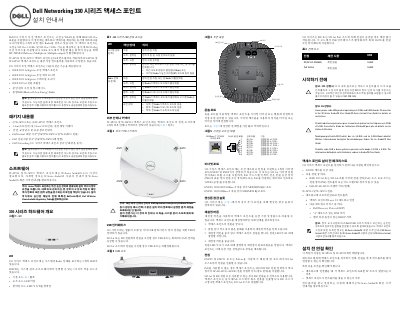
Dell Networking 330 Series Wireless Access Point Installation Guide
This Dell Networking 330 Series Installation Guide covers the W-AP334, W-AP335, W-IAP334, and W-IAP335 wireless access points. It describes package contents, hardware components, installation checklist, and LED status indicators.
The access points support IEEE 802.11a/b/g/n/ac with dual-band radios and MU-MIMO on 5 GHz. Power options include IEEE 802.3at PoE or 48V/28W DC input, and the unit provides two Ethernet ports, a USB interface, console port, and Kensington lock slot. This manual is written in Korean.
Dell 330 Series specifications
| Wireless standard | IEEE 802.11a/b/g/n/ac |
|---|---|
| Frequency bands | 2.4 GHz and 5 GHz |
| Ethernet ports | 2 (ENET0, ENET1) |
| ENET0 speed | 100/1000/2500Base-T |
| PoE standard | IEEE 802.3at |
| DC power input | 48V/28W |
Source: Dell Networking 330 Series Wireless Access Point Installation Guide
All Dell 330 Series documents by type
Mounting, wiring and first power-up. Read it before the hardware goes in.
Questions answered in these manuals
Which access point models does this guide cover?
It covers the W-AP334, W-AP335, W-IAP334, and W-IAP335 models.
From: Dell Networking 330 Series Wireless Access Point Installation Guide
What wireless standards does the 330 Series support?
It supports IEEE 802.11a/b/g/n/ac wireless access.
From: Dell Networking 330 Series Wireless Access Point Installation Guide
What wireless standards does the Dell 330 Series support?
IEEE 802.11a/b/g/n/ac wireless access point and air monitor.
How many Ethernet ports does the access point have?
Two RJ45 Ethernet ports (ENET0 and ENET1) for wired-network connectivity.