
The Dell Networking W-AP220 Series wireless access point (AP) supports the IEEE 802.11ac standard for high-performance WLAN.
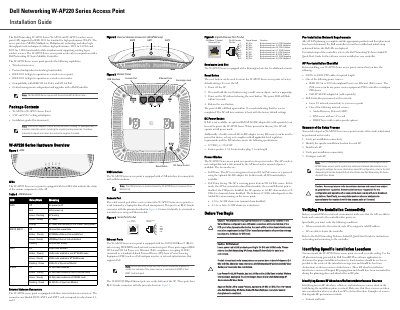
This guide details the installation of Dell W-AP220 Series access points, including hardware overview, LED indicators, antenna connectors, USB and console ports, and Ethernet ports. It covers pre-installation network requirements, AP placement, and power modes. The APs require a Dell Networking W-Series Mobility Controller and operate with IEEE 802.11a/b/g/n/ac standards. Power modes include Full Power (PoE+ or AC-DC) and PoE Power Saving (PoE).
| Wireless Standard | IEEE 802.11a/b/g/n/ac |
|---|---|
| Power Over Ethernet | IEEE 802.3at PoE+ and 802.3af PoE |
| Ethernet Ports | Two 10/100/1000Base-T (RJ-45) auto-sensing ports |
| Power Modes | Full Power and PoE Power Saving |
| Required Controller | Dell Networking W-Series Mobility Controller |
The W-AP220 Series supports Full Power (PoE+ or AC-DC) and PoE Power Saving (PoE).
The W-AP220 Series requires a Dell Networking W-Series Mobility Controller.
The W-AP220 Series supports IEEE 802.11a/b/g/n/ac.
The W-AP220 Series requires W-Series ArubaOS 6.3.0.0 or later.