
The DES-1228 is a 24-port 10/100Mbps Web-Smart Switch with 4 10/100/1000Base-T ports and 2 Combo SFP ports. This document describes the features and technical specifications of the product.
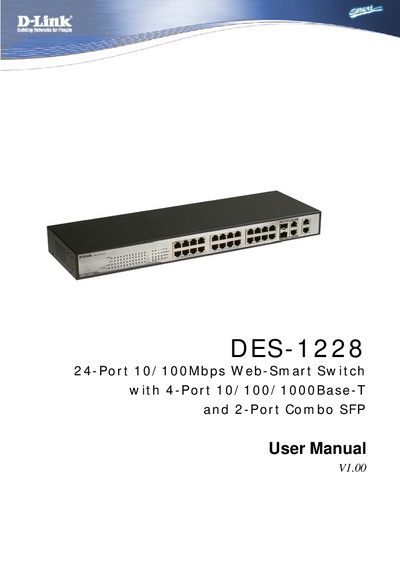
The DES-1228 is a 24‑port 10/100Mbps Web‑Smart Switch that also includes four 10/100/1000Base‑T ports and two combo SFP ports, offering flexible Gigabit and Fast Ethernet connectivity. This guide explains the features, technologies, and specifications of the switch.
The manual covers unpacking, rack mounting, cable connections, power setup, LED indicators, and detailed configuration steps using the SmartConsole utility. It also describes monitoring functions such as port statistics and provides troubleshooting information.
| Ports | 24 10/100Mbps, 4 10/100/1000Base‑T, 2 Combo SFP |
|---|
The guide shows how to install and use the configuration functions of the DES-1228 Web‑Smart Switch step‑by‑step.
Open the Monitoring > Statistics screen, select a port number, and use the Refresh button to update or Clear Counter to reset the details.