
This Quick Installation Guide gives step-by-step instructions for setting up the D-Link DES-1228 Fast Ethernet Smart Switch.
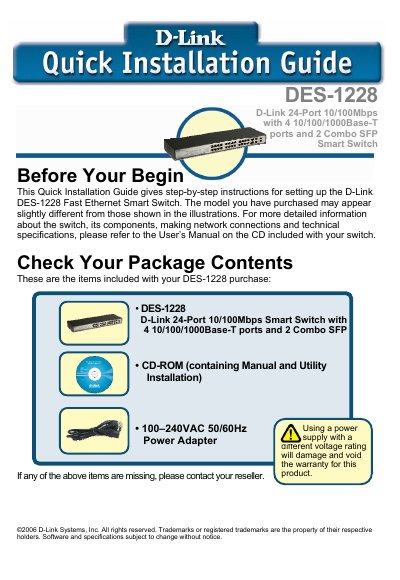
This Quick Installation Guide provides concise, step‑by‑step instructions for installing and configuring the D‑Link DES‑1228 Fast Ethernet Smart Switch. It lists the items supplied, recommended installation environment, rack‑mounting procedure, power requirements, and LED indicators for status monitoring.
The guide also explains how to install the SmartConsole utility, access the switch’s web GUI, and perform basic configuration tasks such as setting IP address, login credentials, and using the tool menu for backup, firmware updates, and system reboot.
| Ports | 24 10/100Mbps ports, 4 10/100/1000Base‑T ports, 2 combo SFP ports |
|---|---|
| Auto‑MDI/MDI‑X | Supported on all ports |
| Ventilation Clearance | At least 10 cm front and rear |