
This document is about the products of D-Link Computer Corporation, version 2.00. The document describes the features and characteristics of the product, and mentions the trademarks and trade names used in the document. In addition, the document includes FCC and CE mark warning information.
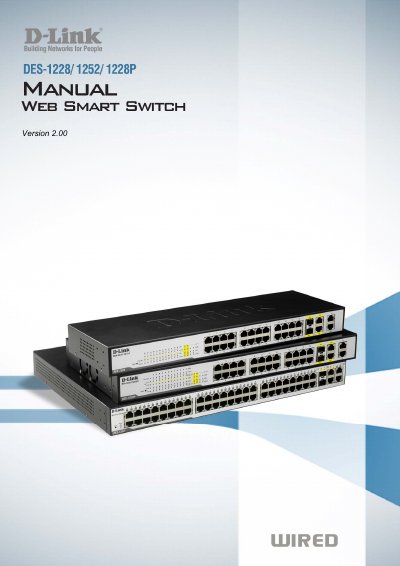
This manual covers hardware installation, initial setup, and basic operation of the D-Link Web Smart Switch series (DES-1228, DES-1228P, DES-1252). It explains unpacking, rack or desktop mounting, power connection, and how to access the web‑based management interface.
The guide also details advanced configuration through the SmartConsole utility, including VLAN, QoS, PoE (DES-1228P only), security settings, and monitoring features. Technical specifications and regulatory information are provided in the appendix.
| Switching Capacity (DES-1228) | 12.8 Gbps |
|---|---|
| Switching Capacity (DES-1252) | 17.6 Gbps |
| Maximum Forwarding Rate (DES-1228P) | 9.52 Mpps |
| Port Types | 24 or 48 10/100Base‑T ports, 4 1000Base‑T ports, 2 combo SFP ports |
| PoE Power per Port (DES-1228P) | 15.4 W |
| Power Budget (DES-1228P) | 170 W max |
| Operating Temperature | 0 °C to 40 °C |
| L2 Feature – MAC Address Table | Supports up to 8K MAC addresses |
| VLAN Capacity | Up to 256 static VLAN groups |
| QoS Queues per Port | Up to 4 queues per port |
Enter 192.168.0.1 in a web browser; this is the factory‑default IP address of the switch.
The default password is "Admin".