
Key facts
- Brand
- Casio
- Model
- EX-ZR100
- Category
- Digital cameras
- Industry
- Electronics
- Documents
- 6
- Languages
- EN · JA
- Last added
- 2012-06-06
Start here
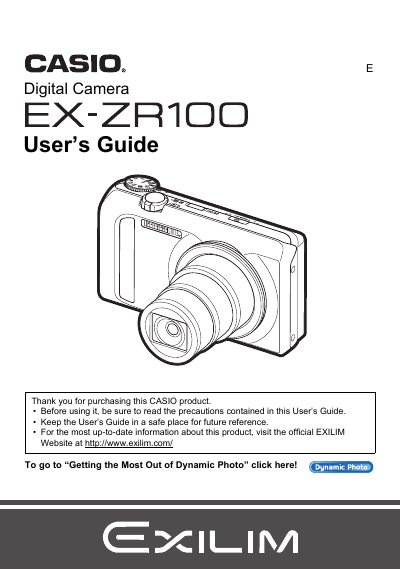
Casio EX-ZR100 Digital Camera User's Guide
This manual provides comprehensive instructions for operating the Casio EX-ZR100 digital camera. It covers essential tasks such as unpacking the kit, charging the NP-130 battery, configuring initial settings, and preparing a memory card. The guide details how to turn the camera on and off, hold it correctly, and take snapshots using various auto recording modes.
Read onlineCasio EX-ZR100 specifications
| Battery type | Rechargeable lithium ion battery (NP-130) |
|---|---|
| Charger model | Digital camera Charger unit (BC-130L) |
| Video format | H.264 |
| Video image size | 640 × 480 pixels |
Source: Casio EX-ZR100 User Manual
All Casio EX-ZR100 documents by type
Day-to-day operation, settings and troubleshooting. Start here if the product is already set up.
Questions answered in these manuals
What items are included in the camera package?
The package includes a rechargeable lithium ion battery (NP-130), a charger unit (BC-130L), a power cord, a strap, a USB cable, an AV cable, and a CD-ROM.
What is the pixel yield of the camera's LCD panel?
The liquid crystal panel provides a pixel yield in excess of 99.99%.
What memory cards are supported?
The manual lists 'Supported Memory Cards' as a section but does not specify the exact types in the provided text.
Can I shoot movies while recording snapshots?
Yes, you can shoot a snapshot while shooting a movie using the 'Still In Movie recording' function.
How do I charge the battery for the EX‑ZR100?
Use the included rechargeable lithium‑ion NP‑130 battery and the BC‑130L charger to charge the battery before first use.
What video format does the camera record in?
The camera records video in H.264 format with a resolution of 640 × 480 pixels.