
Key facts
Start here
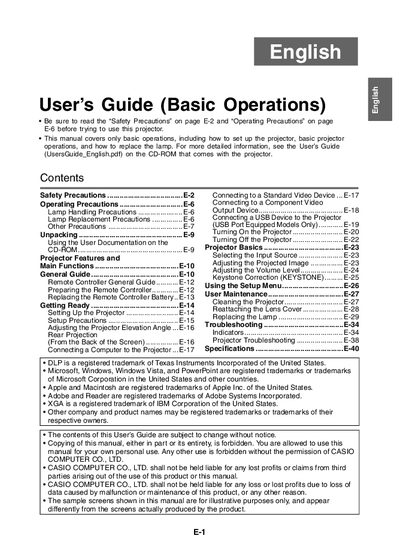
Casio XJ-SC210/XJ-SC215/XJ-S32/XJ-S37/XJ-S42/XJ-S47/XJ-S52/XJ-S57 Projector User's Guide (Basic Operations)
This document serves as a basic operation manual for specific Casio projector models. It provides essential safety precautions, unpacking guidance, and instructions for setting up the device, including connecting computers and video devices.
The guide details fundamental projector functions such as selecting input sources, adjusting image settings like keystone correction, and using the setup menu. It also includes procedures for user maintenance, cleaning, and replacing the lamp.
All Casio XJ-S47 documents by type
Day-to-day operation, settings and troubleshooting. Start here if the product is already set up.
Questions answered in these manuals
What is the native video resolution of the projected image?
The video resolution of the projected image is 1024 x 768 pixels.
From: Casio XJ-SC210/XJ-SC215/XJ-S32/XJ-S37/XJ-S42/XJ-S47/XJ-S52/XJ-S57 Data Projector User's Guide
How can I adjust image brightness while projecting?
Press the [BRIGHT] key, then use the [W] and [X] keys to change the setting.
From: Casio XJ-SC210/XJ-SC215/XJ-S32/XJ-S37/XJ-S42/XJ-S47/XJ-S52/XJ-S57 Data Projector User's Guide
What is covered in this manual?
This manual covers only basic operations, including how to set up the projector, basic projector operations, and how to replace the lamp.
Where can I find more detailed information?
For more detailed information, you should see the User's Guide on the CD-ROM that comes with the projector.