
Key facts
- Brand
- Casio
- Model
- E-B99
- Category
- Other Electronics
- Documents
- 2
- Languages
- ZH
- Last added
- 2012-03-13
Start here
Casio E-B88/E-B99/E-B200/E-B300/E-B400/E-B800 Electronic Dictionary User Manual
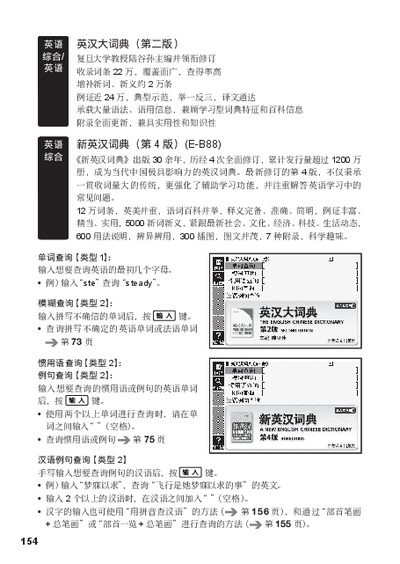
This manual describes the features of the Casio E‑B series electronic dictionaries (E‑B88, E‑B99, E‑B200, E‑B300, E‑B400, E‑B800). It explains how to perform word searches, fuzzy searches, idiom queries, and how to input Chinese characters using pinyin, stroke count, or radicals.
The final sections provide warranty and after‑sales service instructions, including where to send the device for repair at an authorized Casio service center and how to retain the warranty certificate. This manual is written in Chinese.
Casio E-B99 specifications
| Number of entries | 220,000 |
|---|---|
| New words and meanings | 5,000 |
| Usage explanations | 600 |
Source: Casio E-B88/E-B99/E-B200/E-B300/E-B400/E-B800 Electronic Dictionary User Manual
All Casio E-B99 documents by type
Day-to-day operation, settings and troubleshooting. Start here if the product is already set up.
Questions answered in these manuals
How do I perform a fuzzy search?
Enter the spelling you are unsure of and press the designated key.
From: Casio E-B88/E-B99/E-B200/E-B300/E-B400/E-B800 Electronic Dictionary User Manual
How can I look up idioms or example sentences?
Enter the English idiom or phrase and press the search key.
From: Casio E-B88/E-B99/E-B200/E-B300/E-B400/E-B800 Electronic Dictionary User Manual