
Key facts
- Brand
- Casio
- Model
- EX-ZS100
- Category
- Digital cameras
- Industry
- Electronics
- Documents
- 2
- Languages
- EN · ZH
- Last added
- 2012-06-06
Start here
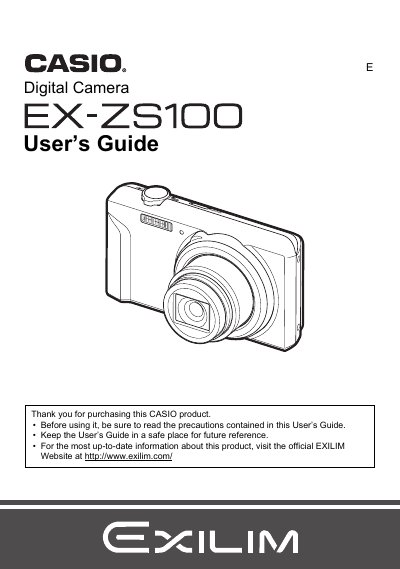
Casio EX-ZS100 Digital Camera User's Guide
The document is a comprehensive user manual for the Casio EX-ZS100 digital camera. It covers unpacking the device, charging the NP-80 battery, and configuring initial settings such as memory card formatting and language selection.
The guide details how to operate the camera in various modes, including snapshot shooting with features like face detection, silent mode, and zoom controls. It also explains movie recording, playback functions on the LCD screen or via TV connection, printing options using DPOF, and transferring images to a computer.
Casio EX-ZS100 specifications
| Battery Capacity | 700 mAh |
|---|---|
| Battery Voltage | 3.7V |
| Adapter Input | 100 to 240 V AC |
| Adapter Output | 5.0 V DC, 650 mA |
All Casio EX-ZS100 documents by type
Day-to-day operation, settings and troubleshooting. Start here if the product is already set up.
Questions answered in these manuals
What is the rated voltage of the NP-80 battery?
The rated voltage of the rechargeable lithium ion battery (NP-80) is 3.7V.
What are the dimensions of the NP-80 battery?
The dimensions of the NP-80 battery are 31.4 (W) X 39.5 (H) X 5.9 (D) mm.
What battery is required for the Casio EX-ZS100?
The camera requires the NP-80 lithium-ion rechargeable battery.
Where can I find the latest information for this product?
You can visit the EXILIM official website for the latest information.