
This document is the user's guide for CASIO digital camera E, which provides information about precautions before using the product, the contents of the package, accessories, contact information, and copyright statement.
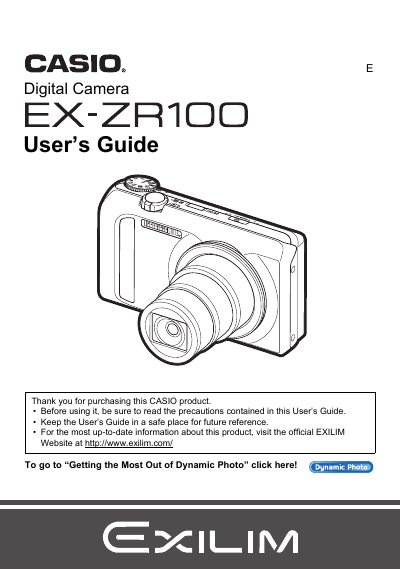
This manual provides comprehensive instructions for operating the Casio EX-ZR100 digital camera. It covers essential tasks such as unpacking the kit, charging the NP-130 battery, configuring initial settings, and preparing a memory card. The guide details how to turn the camera on and off, hold it correctly, and take snapshots using various auto recording modes.
The package includes a rechargeable lithium ion battery (NP-130), a charger unit (BC-130L), a power cord, a strap, a USB cable, an AV cable, and a CD-ROM.
The liquid crystal panel provides a pixel yield in excess of 99.99%.
You must shoot a test shot to ensure that the camera is recording correctly.