
Key facts
- Brand
- Casio
- Model
- MA1007
- Category
- Other device
- Industry
- Electronics
- Documents
- 3
- Languages
- EN · ZH
- Last added
- 2026-10-04
Start here
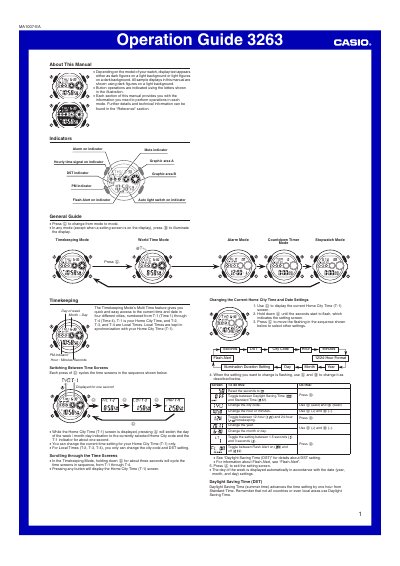
Casio 3263MA1007-EA Watch Operation Guide
The guide provides step‑by‑step instructions for all functions of the Casio 3263MA1007‑EA watch. It describes how to navigate between modes, adjust settings such as daylight‑saving time, city codes, and illumination duration, and explains the behavior of indicators and button tones.
Additional sections cover the alarm system (daily and one‑time alarms, hourly time signal), the countdown timer, stopwatch operation, auto‑light switch precautions, and detailed reference information including specifications, city‑code tables, and battery life expectations.
Casio MA1007 specifications
| Accuracy at normal temperature | ±15 seconds a month |
|---|---|
| Battery type | One lithium battery (CR2025) |
| Time format | 12‑hour and 24‑hour |
| Alarms | 5 alarms (One‑time or Daily) |
| Stopwatch measuring capacity | 23:59’ 59.99” |
| Illumination | LED with selectable duration |
All Casio MA1007 documents by type
Day-to-day operation, settings and troubleshooting. Start here if the product is already set up.
Questions answered in these manuals
How can I turn the auto light switch on or off?
Hold down the B button for about three seconds; this toggles the auto light switch on or off.
How can I enable or disable daylight‑saving time (DST)?
In time‑setting mode, press the D button to toggle between DST and standard time; the DST indicator appears on the display when active.
How do I turn on the LED backlight?
Press the B button in any mode (except when the setting screen is displayed) to illuminate the display.