
Key facts
- Brand
- Casio
- Model
- QV-10
- Category
- Digital cameras
- Documents
- 2
- Languages
- EN
- Last added
- 2012-06-06
Start here
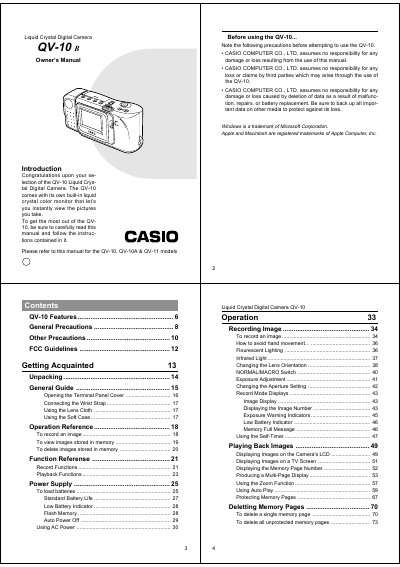
Casio QV-10 Liquid Crystal Digital Camera Owner's Manual
This document is the owner's manual for the Casio QV-10 Liquid Crystal Digital Camera. It provides instructions on unpacking the unit, familiarizing yourself with controls such as the POWER switch, Shutter button, and ZOOM button, and connecting to external devices like televisions or computers.
Read onlineAll Casio QV-10 documents by type
Day-to-day operation, settings and troubleshooting. Start here if the product is already set up.
Questions answered in these manuals
What should I do if the MEMORY ERROR message appears?
All digital images stored in the camera's memory will be lost, and you must take the camera to a dealer or authorized service provider.
From: Casio QV-10 Liquid Crystal Digital Camera Owner's Manual
Can I use the camera while operating a motor vehicle?
No. Never try to take pictures or use the built-in display while operating a motor vehicle as it creates a danger of serious accident.
From: Casio QV-10 Liquid Crystal Digital Camera Owner's Manual
What is the operating temperature range for this camera?
The camera is designed for use in temperatures ranging from 0°C to 40°C (32°F to 104°F).
How many AA batteries are required to power the QV-100?
The camera requires four AA-size alkaline batteries.