
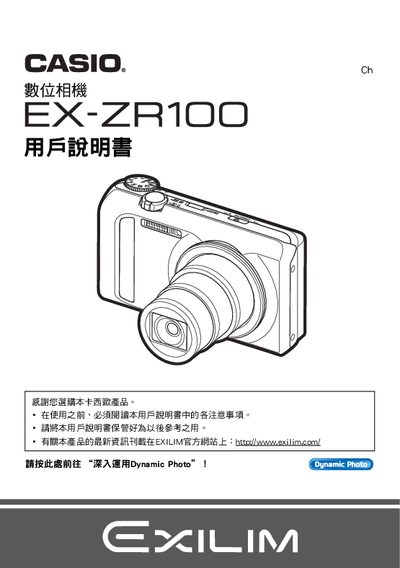
The guide begins with safety notices and instructions for opening the camera package, checking included items, and installing the NP‑130 rechargeable battery and BC‑130L charger. It explains initial charging, battery insertion, and basic handling of the camera before first use.
Subsequent sections cover core functions such as shooting modes, ISO settings, HDR, Dynamic Photo creation, image quality adjustments, playback, printing via PictBridge, and connecting to external devices via USB, HDMI, and AV cables. The manual also includes troubleshooting tips, memory formatting, and software integration with Dynamic Photo Manager and YouTube uploader. This manual is written in Japanese.
| Battery charger model | BC-130L |
|---|---|
| LCD panel pixel yield | 99.99 % pixel yield |
| Dynamic Photo image size | 640 × 480 pixels |
Insert the NP‑130 rechargeable battery into the camera and connect the BC‑130L charger to charge it before first use.
Select the format (initialization) option in the menu to reset the internal memory to its default state.
Use an AV cable to connect the camera’s AV output to the TV and select the appropriate input source.
Install Dynamic Photo Manager or the free Dynamic Studio service to edit and upload Dynamic Photo files.