
Key facts
- Brand
- Casio
- Model
- EX-ZR10
- Category
- Digital cameras
- Industry
- Electronics
- Documents
- 6
- Languages
- EN · ZH · JA
- Last added
- 2012-06-06
Start here
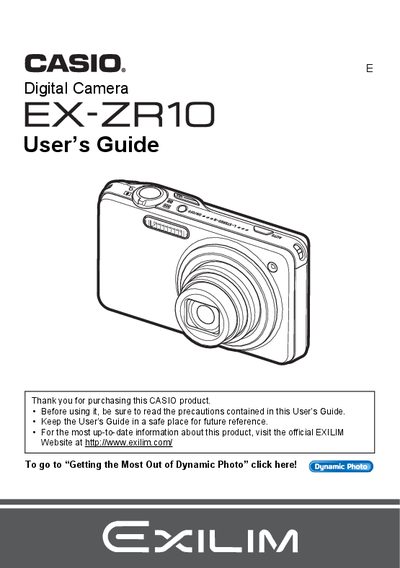
Casio EX-ZR10 Digital Camera User's Guide
The Casio EX-ZR10 is a digital camera featuring high-speed continuous shooting capabilities, dynamic photo technology for inserting subjects into images or movies, and various creative shooting modes like HDR and Best Shot. The guide explains how to charge the battery, configure settings, and use the control panel effectively.
Read onlineAll Casio EX-ZR10 documents by type
Day-to-day operation, settings and troubleshooting. Start here if the product is already set up.
Questions answered in these manuals
What is Dynamic Photo?
Dynamic Photo allows you to insert a built-in subject into a snapshot or movie.
How do I record high-definition movies?
You can record high-definition movies using the camera's dedicated recording function.
What memory cards are supported?
The manual lists 'Supported Memory Cards' as a section, but does not specify the exact types in the provided text.
How do I format a new memory card?
To format a new memory card, you must load it into the camera and follow the instructions for initializing it.
How can I replace the battery?
Remove the old battery and insert a new NP‑110 rechargeable battery as shown in the battery replacement section.
How do I connect the camera to a TV?
Connect the camera to a TV using an AV cable as described in the HDMI/AV output section.