
Key facts
- Brand
- Casio
- Model
- SA-77
- Industry
- Industrial
- Documents
- 2
- Languages
- EN
- Last added
- 2012-06-06
Start here
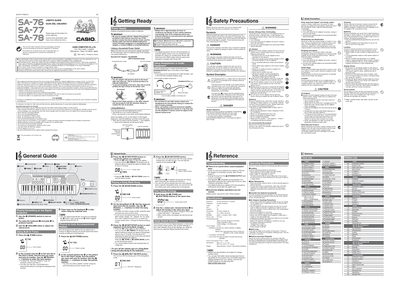
Casio SA-76/SA-77/SA-78 Digital Keyboard User's Guide
User Manual 2 pages · 750 KB · EN
This manual serves as a comprehensive guide for the Casio SA-76, SA-77, and SA-78 digital keyboards. It details how to operate the device using its keyboard, pads, and various control buttons to play tones, auto accompaniments, and songs from the built-in Song Bank.
Read onlineCasio SA-77 specifications
| Power Supply (AC Adaptor) | AD-E95100L |
|---|---|
| Battery Type | Six AA-size batteries |
| Tuning Range | -99 to +99 cents |
Source: Casio SA-76/SA-77/SA-78 Digital Keyboard User's Guide
All Casio SA-77 documents by type
User Manual 2
Day-to-day operation, settings and troubleshooting. Start here if the product is already set up.
Questions answered in these manuals
What type of batteries can be used for power?
You can use Six AA-size alkaline or zinc-carbon batteries.
How long does the battery last on a single charge?
Battery life is approximately six hours of continuous use based on zinc-carbon batteries.
How do I turn on the keyboard?
Press the (POWER) switch to turn on Power.
What batteries are required?
The keyboard uses six AA-size alkaline or zinc-carbon batteries.