
This document is about the user manual for CASIO digital camera Ck, including precautions, accessories check, and instructions on how to use Dynamic Photo.
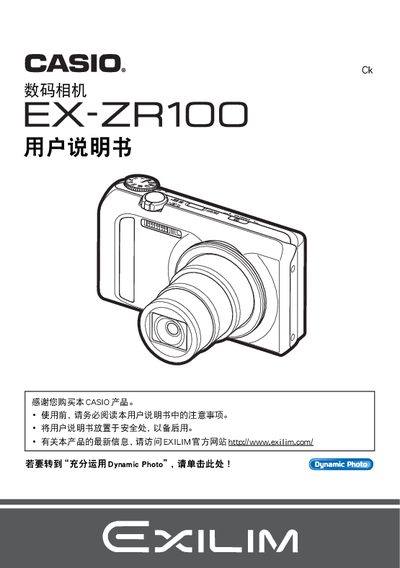
This manual explains how to safely set up the EX‑ZR100, including checking the package contents, installing the NP‑130 battery and BC‑130L charger, and initializing the camera. It covers basic operation such as selecting shooting modes, adjusting ISO, white balance, and using features like Best Shot and Dynamic Photo.
Additional sections describe playback functions, file management, USB/AV/HDMI output, custom settings, formatting the internal memory, and troubleshooting. The document also details how to use Dynamic Photo to capture and transfer up to 20 images to a PC, smartphone, or TV. This manual is written in Japanese.
| Image resolution | 640 x 480 pixels |
|---|---|
| LCD panel pixel yield | 99.99 % or higher |
| Battery model | NP‑130 |
| Battery charger model | BC‑130L |
Connect the camera to a TV using the HDMI output port.
The camera uses an NP‑130 rechargeable battery.