
Key facts
- Brand
- Casio
- Model
- YC-430
- Category
- Monitoring Equipment
- Industry
- Electronics
- Documents
- 2
- Languages
- EN
- Last added
- 2012-06-06
Start here
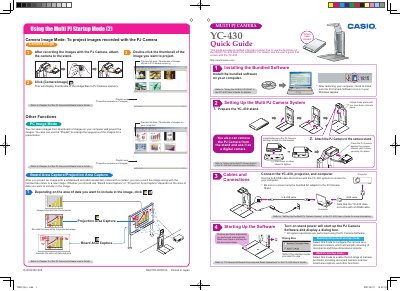
Casio YC-430 Multi PJ Camera Quick Start Guide
The Casio YC-430 Multi PJ Camera is a device designed to project images of documents, whiteboards, and 3D objects. This Quick Start Guide covers essential setup steps including installing bundled software, attaching the camera to its stand, connecting cables (USB and AC adaptor), and selecting the appropriate startup mode for your needs.
Read onlineAll Casio YC-430 documents by type
Day-to-day operation, settings and troubleshooting. Start here if the product is already set up.
The shortest path to a working setup, usually only a few pages.
Questions answered in these manuals
What are the two startup modes for the PJ Camera Software?
The software has a Business Document startup mode and a Multi PJ startup mode.
What is the purpose of the Scanner Mode?
It provides high-speed scanning operations for digitizing documents and thick objects.
What is the primary use of this product?
The Multi PJ Camera System is designed to be used in combination with a projector.
Can I look directly into the sun while using this camera?
No, you must never use the camera to look directly into the sun or another source of very bright light.