
Key facts
- Brand
- Casio
- Model
- QV-300
- Category
- Digital cameras
- Documents
- 3
- Languages
- EN
- Last added
- 2012-06-06
Start here
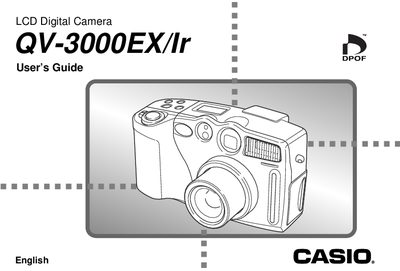
Casio QV-3000EX/Ir LCD Digital Camera User Guide
The Casio QV-3000EX/Ir is an LCD Digital Camera featuring an 8-inch TFT low-glare color monitor with a resolution of 555 x 220 pixels. It supports infrared communication (IrDA1.1) and includes various recording functions such as continuous shutter, panorama, night scene, and macro modes.
Read onlineCasio QV-300 specifications
| Monitor Size and Type | 8" TFT, low-glare color LCD (555 x 220 pixels) |
|---|---|
| Viewfinder Options | LCD Monitor or optical viewfinder |
| Flash Range | Approximately 0.5 to 4 meters |
| Battery Life (Continuous Playback) | 170 minutes (AA-size NE-MH Batteries NP-H3) |
| Power Consumption | Approximately 6.6W |
| Dimensions | 134.5(W) x 80.5(H) x 57.5(D) mm |
All Casio QV-300 documents by type
Day-to-day operation, settings and troubleshooting. Start here if the product is already set up.
Questions answered in these manuals
What is the flash range of this camera?
The built-in flash has a range of approximately 0.5 to 4 meters.
Does the clock retain time when batteries are removed?
No, clock settings are cleared whenever power is cut off for about 24 hours.
What is the operating temperature range for this camera?
The camera is designed for use in temperatures ranging from 0°C to 40°C (32°F to 104°F).
From: Casio QV-300 Liquid Crystal Digital Camera Owner's Manual
How can I prevent condensation damage when moving the camera?
Place the camera into a plastic bag before moving it to a location with different temperatures and leave it there until the air inside reaches equilibrium.
From: Casio QV-300 Liquid Crystal Digital Camera Owner's Manual
How do I load the batteries into the camera?
Slide the battery compartment cover lock toward the back, open the cover, insert the batteries with the correct polarity, then close and lock the cover.
How do I set the current date and time?
Use the procedure described on page E‑45 to set the date and time before first use.