
Key facts
- Brand
- Casio
- Model
- EX-Z110
- Category
- Digital cameras
- Industry
- Electronics
- Documents
- 3
- Languages
- EN · JA
- Last added
- 2012-06-06
Start here
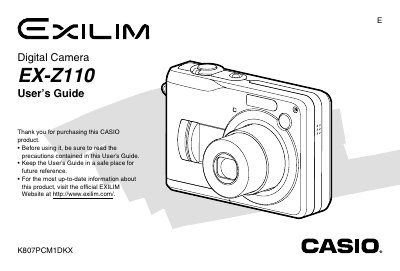
Casio EX-Z110 Digital Camera User's Guide
The Casio EX-Z110 is a digital camera equipped with an optical viewfinder and a 2.0-inch TFT color LCD monitor screen. It supports various recording modes including Snapshot, Movie, and Voice Recording, as well as advanced features like Best Shot mode and Business Shot for documents.
Read onlineCasio EX-Z110 specifications
| Monitor Screen | 2.0-inch TFT color LCD 84,960 pixels (354 x 240) |
|---|---|
| USB Interface | USB 2.0 (Full-Speed) compatible |
| Weight | Approximately 136 g (4.8 oz) |
All Casio EX-Z110 documents by type
Day-to-day operation, settings and troubleshooting. Start here if the product is already set up.
Questions answered in these manuals
What is the approximate weight of the camera?
The camera weighs approximately 136 g, excluding batteries and accessories.
How do I replace the battery in the EX‑Z110?
Open the battery compartment, remove the two AA cells, and insert new alkaline or compatible SANYO HR‑3U rechargeable batteries.
How can I connect the camera to a Windows computer?
Use the USB 2.0 full‑speed port to transfer images; the camera is compatible with Windows operating systems as described in the PC connection section.
How can I transfer photos to a computer?
Connect the camera to a PC via the USB 2.0 port and use the provided software or standard file explorer to copy images.
What printing options are available?
The camera supports PictBridge and USB Direct‑Print for printing images directly from the device.