
Key facts
- Brand
- Casio
- Model
- EX-Z85
- Category
- Digital cameras
- Industry
- Electronics
- Documents
- 3
- Languages
- EN · JA
- Last added
- 2012-06-06
Start here
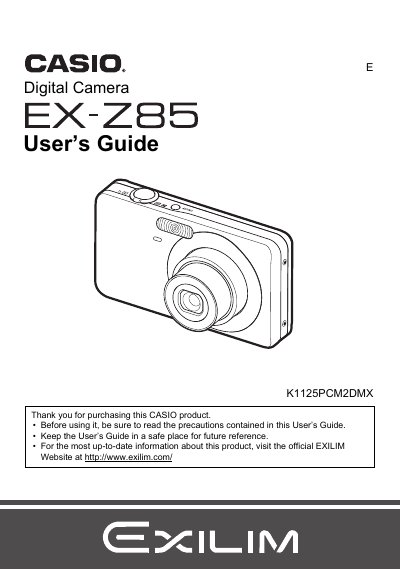
Casio EX-Z85 Digital Camera User's Guide
This document is the official User's Guide for the Casio EX-Z85 digital camera. It provides comprehensive instructions on unpacking the device, charging the NP-60 battery, and preparing a memory card. The guide details how to operate the camera in various modes, including snapshot shooting with features like Face Recognition, Auto Shutter, and BEST SHOT.
Read onlineCasio EX-Z85 specifications
| Battery rated voltage | 37 V |
|---|---|
| Battery capacity | 720 mAh |
| Battery operating temperature | 0 °C to 40 °C |
| Charger input voltage | 100 V–240 V AC, 80 mA, 50/60 Hz |
| Charger output voltage | 4.2 V DC, 600 mA |
| Charging time | 90 minutes |
| Charger dimensions | 60 mm × 20 mm × 86 mm (W × H × D) |
| Charger weight | ≈62 g |
Source: CASIO digit cameraEX-Z85 Manual
All Casio EX-Z85 documents by type
Day-to-day operation, settings and troubleshooting. Start here if the product is already set up.
Questions answered in these manuals
What items are included in the camera package?
The package includes a rechargeable lithium ion battery (NP-60), a charger unit (BC-60L), a power cord, a strap, a USB cable, an AV cable, and a CD-ROM.
What is the maximum pixel yield of the LCD panel?
The liquid crystal panel provides a pixel yield in excess of 99.99%.
What memory cards are supported?
The manual lists a section on 'Supported Memory Cards' but does not specify the types in the provided text.
How do I format a new memory card?
You can format (initialize) a new memory card using the instructions provided in the manual under 'To format (initialize) a new memory card'.
How do I charge the EX‑Z85 battery?
Connect the supplied BC‑60L charger to an AC outlet (100‑240 V) and attach the NP‑60 battery; charging takes about 90 minutes.
How can I transfer photos from the camera to a computer?
Connect the camera to a computer via the USB port and follow the USB communication settings described in the manual.