
Key facts
- Brand
- Casio
- Model
- EX-Z90
- Category
- Digital cameras
- Industry
- Electronics
- Documents
- 4
- Languages
- EN · JA
- Last added
- 2012-06-06
Start here
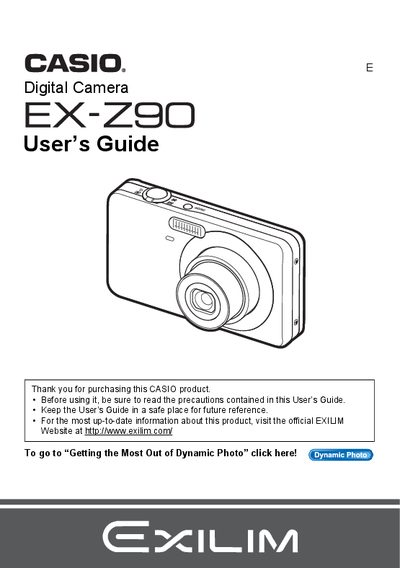
Casio EX-Z90 Digital Camera User's Guide
This manual provides comprehensive instructions for using the Casio EX-Z90 digital camera. It covers initial setup steps such as unpacking, charging the NP-60 battery, and formatting memory cards. The guide details how to operate the camera's control panel, utilize various shooting modes like Easy Mode, Face Detection, and Dynamic Photo, and adjust settings for image quality, white balance, and flash.
Read onlineCasio EX-Z90 specifications
| Battery type | NP-60 rechargeable battery |
|---|---|
| Charger model | C-60L |
| Motion JPEG resolution | 640 × 480 pixels |
| LCD pixel pass rate | 99.99 % |
All Casio EX-Z90 documents by type
Day-to-day operation, settings and troubleshooting. Start here if the product is already set up.
Questions answered in these manuals
What battery is required to power the camera?
The camera uses a rechargeable lithium ion battery with the model number NP-60.
How can I verify that all items were included in my package?
You should check to make sure that all items shown in the list are present when you unpack your camera.
What memory cards are supported?
The manual lists a section for Supported Memory Cards, though specific formats are not detailed in the provided text.
How do I format a new memory card?
You can format (initialize) a new memory card using the camera's menu system as described in the manual.
How do I format the camera's internal memory?
Select the Format (Initialize) option in the menu to re‑initialize the storage.
How can I print photos directly from the camera?
Use the PictBridge function and DPOF settings to send images to a compatible printer.