
Key facts
- Brand
- Casio
- Model
- EX-Z27
- Category
- Digital cameras
- Documents
- 4
- Languages
- EN · JA
- Last added
- 2012-06-06
Start here
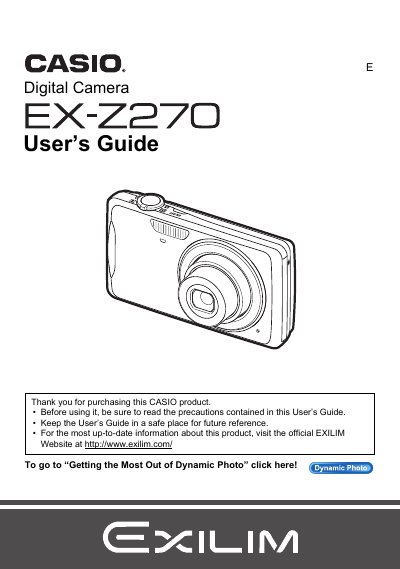
CASIO EX-Z270 User's Guide(1)
This document is the official User's Guide for the Casio EX-Z2/7 digital camera. It provides comprehensive instructions on unpacking the device, charging the NP-80 battery, and configuring initial settings such as memory card formatting and date/time.
The guide details how to operate the camera in various modes including Snapshot, Movie recording, BEST SHOT, and Dynamic Photo. It covers advanced features like Face Detection, Auto Focus Area selection, Image Review, and editing functions such as Red Eye Correction and Dubbing.
All Casio EX-Z27 documents by type
Day-to-day operation, settings and troubleshooting. Start here if the product is already set up.
Questions answered in these manuals
What items are included when unpacking the camera?
The package includes a rechargeable lithium ion battery (NP-80), a digital camera charger unit (BC-80L), a power cord, a strap, a USB cable, an AV cable, and a CD-ROM.
What is the maximum number of pixels that may not light on the LCD panel?
A very small number of pixels may not light or remain lit due to the characteristics of the liquid crystal panel, which provides a pixel yield in excess of 99.99%.
What is the pixel yield of the LCD panel?
The liquid crystal panel provides a pixel yield in excess of 99.99%.
What should be done before shooting final images?
You should shoot a test shot to ensure that the camera is recording correctly.
What is the rated voltage of the NP-80 battery?
The rated voltage for the rechargeable lithium ion battery (NP-80) is 3.7V.
What is the operating temperature range for the NP-80 battery?
The operating temperature range for the rechargeable lithium ion battery (NP-80) is from 0 to 40°C.