
Key facts
Start here
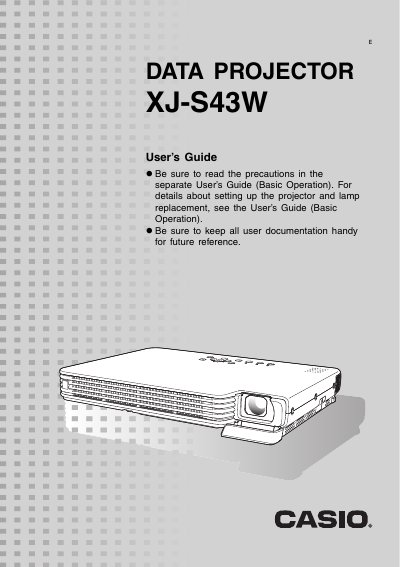
Casio XJ-S43W Projector User's Guide
The Casio XJ-S43W is a slim, compact DLP projector featuring WXGA (1280 x 800) resolution and HDMI input. It supports various input sources including computer RGB, composite video, component video, and HDMI audio/video. The device includes features such as direct power on, a pointer function for presentations, and adjustable image brightness and color modes.
Read onlineCasio XJ-S43W specifications
| Resolution | WXGA (1280 x 800) |
|---|---|
| Input Support | HDMI, RGB, Composite, Component |
| Minimum Projection Distance | 0.84 meters |
All Casio XJ-S43W documents by type
Day-to-day operation, settings and troubleshooting. Start here if the product is already set up.
Questions answered in these manuals
What is the minimum projection distance for this projector?
The wide angle 2X zoom allows projection even when the projector-to-screen distance is severely limited, with a minimum of 0.84 meters.
Can I turn on the projector automatically?
Yes, the projector can be configured to turn on automatically and start projecting as soon as it is plugged into a power outlet.
How much space is required between the projector and walls?
You must allow at least 30cm (11.8 inches) between the projector and walls to prevent heat buildup.
From: Casio XJ-S43W Projector User's Guide (Basic Operations)
What specific distance must be maintained between the projector and walls?
You must allow at least 30cm (11.8 inches) of space between the projector and walls.
From: Casio XJ-S43W Projector User's Guide (Basic Operations)