
Key facts
- Brand
- Casio
- Model
- =X-H5
- Category
- Digital cameras
- Documents
- 5
- Languages
- EN · ZH
- Last added
- 2012-06-06
Start here
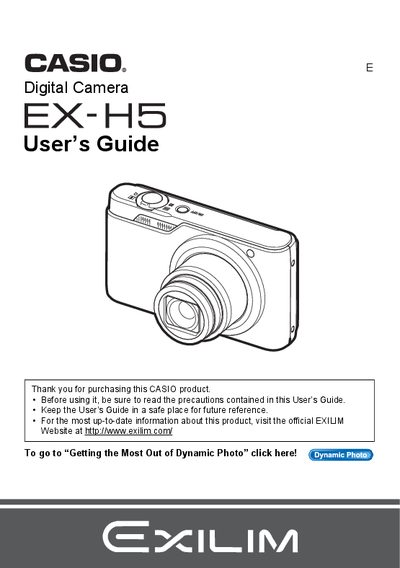
Casio EX-H5 Digital Camera User's Guide
This manual provides comprehensive instructions for using the Casio EX-H5 digital camera. It covers essential topics such as unpacking the device, charging the battery, configuring initial settings, and operating the camera in various modes including snapshots, movies, and continuous shooting.
The guide also details advanced features like Dynamic Photo, BEST SHOT scenes, face detection, and image editing functions. Additionally, it explains how to transfer images to a computer via Windows or Macintosh, use DPOF printing, and troubleshoot common issues.
Casio =X-H5 specifications
| LCD panel pixel yield | 99.99% |
|---|---|
| Motion JPEG resolution | 640 × 480 pixels |
| Battery model | NP‑80 |
| Charger model | 8C‑81D |
All Casio =X-H5 documents by type
Day-to-day operation, settings and troubleshooting. Start here if the product is already set up.
Questions answered in these manuals
What is the pixel yield of the camera's LCD panel?
The liquid crystal panel provides a pixel yield in excess of 99.99%.
Do I need to charge the battery before first use?
Yes, charge the battery before the first use of the camera.
How can I transfer photos to a computer?
Connect the camera via USB or use Eye‑Fi wireless SD card to transfer images.
How do I replace the battery?
The manual instructs to follow the steps under the “若要更換電池” section for battery replacement.
Can I transfer images wirelessly?
Yes, the camera supports wireless transfer using Eye‑Fi, as described in the “使用Eye‑Fi無線SD記憶本信還影像” section.