
This is a user manual for a digital camera, which contains information on how to use the camera, precautions, etc.
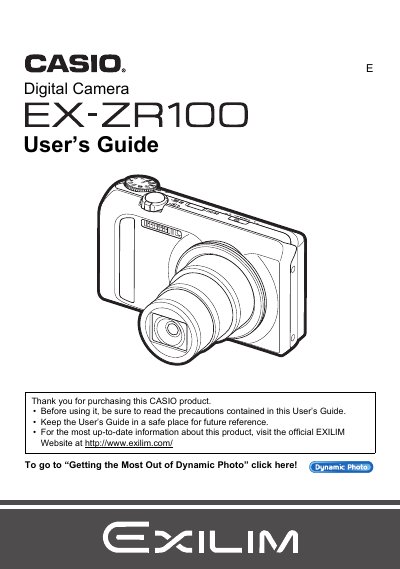
The Casio EX-ZR100 is a digital camera featuring high-speed continuous shutter capabilities, dynamic photo functionality, and advanced image processing tools like Super Resolution zoom. This guide explains how to unpack the device, charge the battery, and configure initial settings.
Detailed instructions are provided for various shooting scenarios, including snapshots, movies (including HD and High Speed), and specific modes such as Best Shot and HDR Art. The manual also covers playback functions on the camera screen and transferring files to a computer.
| Battery Type | Rechargeable lithium ion battery (NP-130) |
|---|---|
| Charger Unit | BC-130L |
The manual lists 'Supported Memory Cards' as a section but does not specify the exact types in the provided text.
Yes, you can shoot a snapshot while shooting a movie using the 'Still In Movie recording' function.