
This is a user manual for a CASIO digital camera. It includes information on the camera's features, functions and usage, as well as precautions.
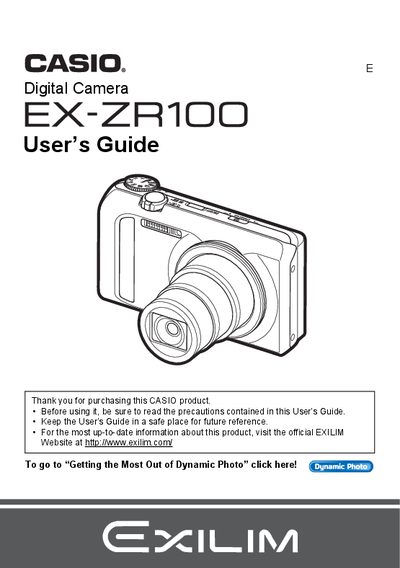
This guide walks you through unpacking the EX‑ZR100, charging the rechargeable lithium‑ion NP‑130 battery with the BC‑130L charger, and configuring basic settings such as date/time, language, and power‑on defaults. It also covers memory‑card preparation, battery replacement, and safety precautions.
Detailed instructions are provided for all shooting modes—including Auto, High‑Speed Continuous Shutter, Best Shot, and Dynamic Photo—along with playback, image editing, and video recording (H.264, 640×480). Connectivity options such as USB transfer, HDMI output, and PictBridge printing are explained, as well as advanced settings like white‑balance, ISO, flash intensity, and histogram usage.
| Battery type | Rechargeable lithium ion battery (NP-130) |
|---|---|
| Charger model | Digital camera Charger unit (BC-130L) |
| Video format | H.264 |
| Video image size | 640 × 480 pixels |
Use the included rechargeable lithium‑ion NP‑130 battery and the BC‑130L charger to charge the battery before first use.
The camera records video in H.264 format with a resolution of 640 × 480 pixels.