
Key facts
Start here
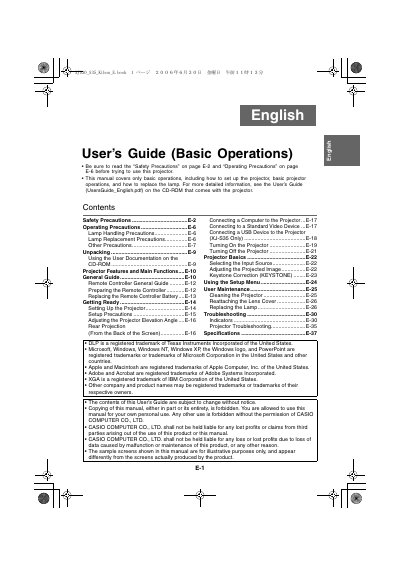
Casio XJ-S30/XJ-S35 Projector User's Guide (Basic Operations)
This document serves as a User's Guide for Basic Operations of the Casio XJ-S30 and XJ-S35 rear projection projectors. It provides instructions on unpacking, setting up the projector, connecting devices such as computers and USB drives (for XJ-S35 only), and operating the remote controller.
The guide also details essential maintenance procedures, including how to replace the lamp and clean the projector lens cover. Safety precautions regarding power cords, water exposure, ventilation, and disposal are emphasized throughout the text.
All Casio XJ-S30 documents by type
Day-to-day operation, settings and troubleshooting. Start here if the product is already set up.
Questions answered in these manuals
How do I adjust image brightness?
Press the [BRIGHT] key, use the cursor keys to adjust, and press [ESC] to hide the window.
How do I freeze an image?
While projecting, press the [FREEZE] key to store the current image in memory and restore it by pressing [ESC].
What does this manual cover?
This manual covers only basic operations, including how to set up the projector, basic projector operations, and how to replace the lamp.
From: Casio XJ-S30/XJ-S35 Projector User's Guide (Basic Operations)
Where can I find more detailed information?
For more detailed information, you should see the User's Guide on the CD-ROM that comes with the projector.
From: Casio XJ-S30/XJ-S35 Projector User's Guide (Basic Operations)