
Key facts
Start here
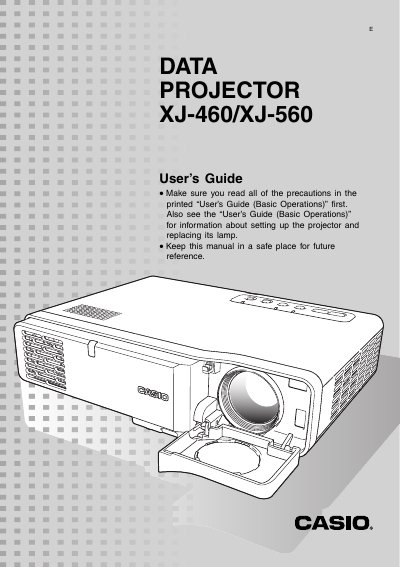
Casio XJ-460/XJ-560 Video Projector User's Guide
This document serves as a user's guide for the Casio XJ-460 and XJ-560 digital light processing (DLP) video projectors. It details how to prepare the projector, connect various input sources such as computers and video devices, and perform basic projection operations like zooming, focusing, and keystone correction.
Read onlineAll Casio XJ-560 documents by type
Day-to-day operation, settings and troubleshooting. Start here if the product is already set up.
Questions answered in these manuals
What happens if the projector does not find an input signal?
The message 'No signal input' appears in place of the input source name.
How can I adjust the size and focus of the projected image?
Use the [ZOOM] keys to adjust the image size and the [FOCUS] keys to focus the image.
How do I select the input source using the projector keys?
Press the [INPUT] key on the projector to cycle through available input sources.
How do I adjust the image size?
Hold down the [ZOOM +] key to increase size or the [ZOOM –] key to decrease it.
How do I select the input source using the projector keys?
Press the [INPUT] key on the projector to cycle through input sources.
What message appears when no input signal is detected?
The message “No signal input” appears in place of the input source name.