
Key facts
- Brand
- Casio
- Model
- EX-Z4U
- Category
- Digital cameras
- Documents
- 2
- Languages
- EN
- Last added
- 2012-06-06
Start here
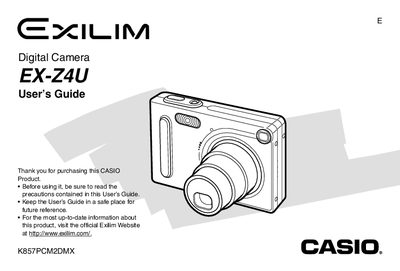
Casio EX-Z4U Digital Camera User's Guide
The Casio EX-Z4U is a digital camera equipped with features such as optical zoom, digital zoom, flash unit control, and various focus modes including macro, pan focus, and infinity. The device supports recording audio to snapshots and offers multiple image quality settings ranging from Fine to Economy.
This guide details how to configure display language and clock settings, load and charge the NP-20 battery, and operate the camera in REC and PLAY modes. It also explains file management tasks like protecting files, using memory folders, and transferring images between built-in memory, a memory card, and a computer.
All Casio EX-Z4U documents by type
Day-to-day operation, settings and troubleshooting. Start here if the product is already set up.
Questions answered in these manuals
How do I change the display language?
You can configure the display language and clock settings by following the instructions in the 'Configuring Display Language and Clock Settings' section.
What image size should I select for high-resolution printing?
You should select the "2304 x 1728" image size if you plan to make large prints.