
Key facts
- Brand
- Casio
- Model
- QV-700
- Category
- Digital cameras
- Documents
- 2
- Languages
- EN
- Last added
- 2012-06-06
Start here
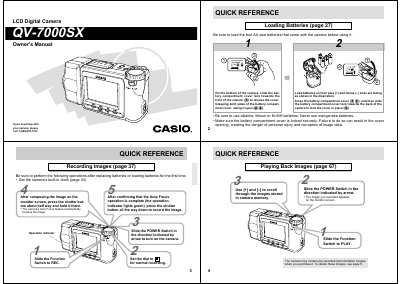
Casio QV-7000SX LCD Digital Camera Owner's Manual
This document is the owner's manual for the Casio QV-7000SX LCD Digital Camera. It provides instructions on unpacking the device, loading batteries, setting up the date and time, and performing basic operations such as recording images and movies.
The guide details advanced features including optical and digital zoom, various shooting modes (Sports, Night, Sepia), memory card management using CompactFlash cards, and transferring data to a personal computer. It also includes troubleshooting tips and safety precautions.
Casio QV-700 specifications
| Optical Zoom | 2X |
|---|---|
| Total Zoom | 8X |
| LCD Screen Size | 2.5-inch |
| LCD Resolution | approximately 120,000 pixels |
| Operating Temperature | 0°C to 40°C |
All Casio QV-700 documents by type
Day-to-day operation, settings and troubleshooting. Start here if the product is already set up.
Questions answered in these manuals
What type of batteries does the camera use?
The camera requires four AA size alkaline, lithium, or Ni-MH batteries. Manganese batteries should not be used.
Can I use this camera while driving?
No, never try to take pictures or use the built-in display while operating a motor vehicle as it creates a danger of serious accident.
What precautions should be taken when using the camera?
Never try to take pictures while operating a motor vehicle or walking, and keep the camera away from water and liquids.
What should be done if a data error occurs?
The camera operation will lock up; perform procedures on page 96 of this manual.