
Key facts
- Brand
- Casio
- Model
- TE-8500F
- Category
- Office Equipment
- Industry
- Computers
- Documents
- 2
- Languages
- EN
- Last added
- 2012-05-05
Start here
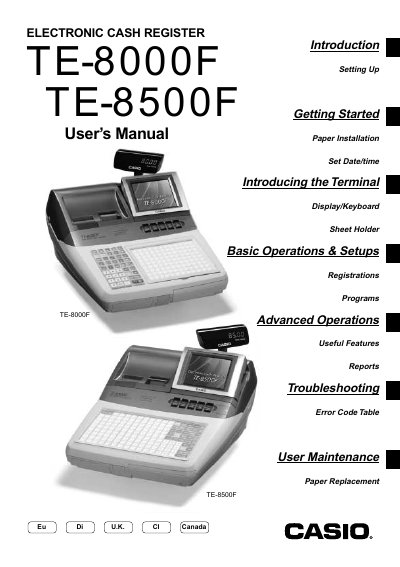
Casio TE-8000F/8500F User Manual
This manual introduces the TE-8000F/8500F series electronic cash register, covering initial installation, date/time setting, and basic operation of the display, keyboard, and sheet holder. It also explains how to assign clerks, handle cash, credit, and check transactions, and use advanced features such as coupons and foreign currency handling.
Safety precautions, troubleshooting steps, error code tables, and maintenance procedures—including paper replacement and power‑plug handling—are detailed to ensure reliable and safe operation in commercial environments.
Casio TE-8500F specifications
| Power Input (120 V) | Operating 0.9 A, Standby 0.158 A |
|---|---|
| Operating Temperature | 0 °C to 40 °C |
| Operating Humidity | 10 % to 85 % RH |
Source: Casio TE-7000S/8500F User Manual
All Casio TE-8500F documents by type
Day-to-day operation, settings and troubleshooting. Start here if the product is already set up.
Questions answered in these manuals
What should you do if the register starts to emit smoke or a strange odor?
Immediately shut down the power and unplug the AC plug from the power outlet.
Is it allowed to open or modify the register yourself?
No – never try to take the register apart or modify it in any way; contact a Casio service representative.
What peripheral ports are available on the TE-7000S/8500F?
The register provides four RS‑232C ports, a LAN (CAT‑5) connection, and a compact flash card interface for data backup and program restoration.
What are the power consumption specifications for the TE-7000S/8500F?
At 120 V the unit draws 0.9 A operating and 0.158 A standby; at 230 V it draws 0.64 A operating and 0.15 A standby.