
Key facts
- Brand
- Casio
- Model
- AP-420
- Category
- Other
- Industry
- Electronics
- Documents
- 2
- Languages
- EN · ZH
- Last added
- 2012-06-06
Start here
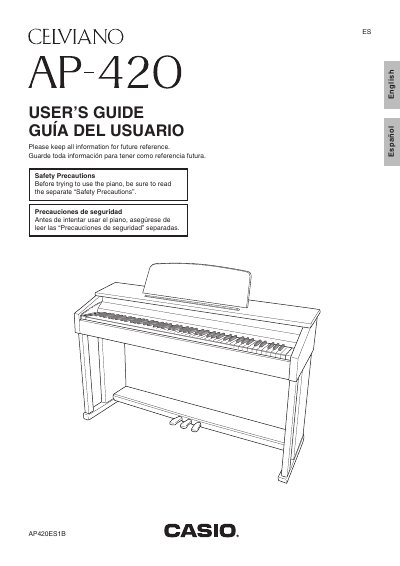
Casio AP-420 Digital Piano User's Guide
User Manual 46 pages · 1.5 MB · EN
The Casio Celviano AP-420 is a digital piano featuring 16 built-in tones, including Grand Piano (Modern and Classic) and Electric Piano. The instrument includes a metronome, reverb, chorus effects, and the ability to layer two tones or play duets.
Read onlineAll Casio AP-420 documents by type
User Manual 2
Day-to-day operation, settings and troubleshooting. Start here if the product is already set up.
Questions answered in these manuals
What safety precautions should I take before using the piano?
Read the separate Safety Precautions and ensure the cover is fully open to prevent it from closing unexpectedly.
What is the minimum age for children to use this digital piano?
The product is not intended for children under 3 years.
How can I set the metronome tempo?
Hold the FUNCTION button and use the TEMPO keys to set a speed between 20 and 255 beats per minute.
From: CASIO AP-240 user manual