
Key facts
Start here
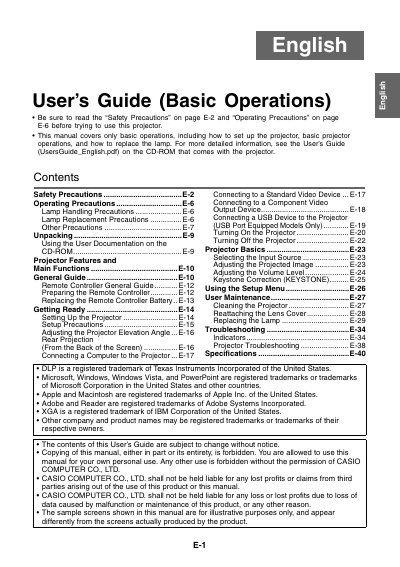
CASIO XJ-S33/XJ-S38/XJ-S43/XJ-S48/XJ-S53/XJ-S58/XJ-S63/XJ-S68 user manual( base operating )
This document serves as a guide for the basic operations of Casio XJ-S series projectors. It includes instructions on safety precautions, operating procedures, connecting to video devices, adjusting the projected image, and replacing the lamp.
The manual also provides information on using the remote controller, setting up the projector, performing user maintenance such as cleaning, and troubleshooting common issues.
Casio XJ-S43 specifications
| Supported HDTV Resolutions | 1080p/50, 1080p/60, 720p/50, 720p/60, 1080i/50, 1080i/60 |
|---|---|
| Supported SDTV Resolutions | 576p50, 576i50, 480p60, 480i60 |
| Supported Video Signals | NTSC, NTSC4.43, PAL, PAL-M, PAL-N, PAL60, SECAM |
Source: CASIO XJ-S33/XJ-S38* XJ-S43/XJ-S48* XJ-S53/XJ-S58* XJ-S63/XJ-S68* DATA PROJECTOR user manual
All Casio XJ-S43 documents by type
Day-to-day operation, settings and troubleshooting. Start here if the product is already set up.
Questions answered in these manuals
What should I do if the pointer does not display properly with keystone correction?
Use the [KEYSTONE +] and [KEYSTONE -] keys to change the keystone correction value to zero.
From: CASIO XJ-S33/XJ-S38* XJ-S43/XJ-S48* XJ-S53/XJ-S58* XJ-S63/XJ-S68* DATA PROJECTOR user manual
How do I adjust image brightness while projecting?
Press the [BRIGHT] key to display the adjustment window, then use the cursor keys to modify the setting.
From: CASIO XJ-S33/XJ-S38* XJ-S43/XJ-S48* XJ-S53/XJ-S58* XJ-S63/XJ-S68* DATA PROJECTOR user manual
How much space is required between the projector and walls?
You must allow at least 30cm (11.8 inches) between the projector and walls to prevent internal heat buildup.
From: CASIO XJ-S33/XJ-S38/XJ-S43/XJ-S48/XJ-S53/XJ-S58/XJ-S63/XJ-S68 user manual( base operating )
What specific distance must be maintained between the projector and walls?
You must allow at least 30cm (11.8 inches) of space between the projector and walls.
From: CASIO XJ-S33/XJ-S38/XJ-S43/XJ-S48/XJ-S53/XJ-S58/XJ-S63/XJ-S68 user manual( base operating )