
Key facts
- Brand
- Casio
- Model
- EX-Z500
- Category
- Digital cameras
- Industry
- Electronics
- Documents
- 3
- Languages
- EN · ZH
- Last added
- 2012-06-06
Start here
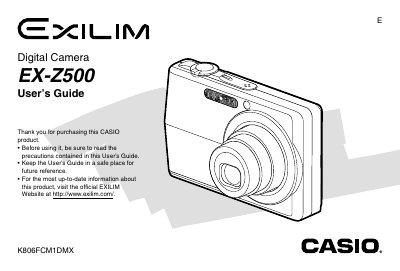
Casio EX-Z500 Digital Camera User's Guide
This document is the official User's Guide for the Casio EX-Z500 digital camera. It provides comprehensive instructions on unpacking the device, configuring settings such as language and clock, and operating the camera in REC (Recording) mode to capture still images and movies.
The guide also details playback features including zooming, resizing, cropping, and editing movies. Additionally, it covers file management, connecting the camera to computers via USB or memory cards, printing options using PictBridge, and troubleshooting common issues.
Casio EX-Z500 specifications
| Dimensions (Camera) | 88.5(W) x 57(H) x 20.5(D) mm |
|---|---|
| Weight (Camera) | Approximately 112 g |
| Battery Type | Rechargeable Lithium ion Battery (NP-40) |
All Casio EX-Z500 documents by type
Day-to-day operation, settings and troubleshooting. Start here if the product is already set up.
Questions answered in these manuals
What is the operating temperature range for the camera?
The camera operates within a temperature range of 0°C to 40°C (32°F to 104°F).
What are the dimensions of the included USB cradle?
The USB cradle measures 105(W) x 16(H) x 61(D) mm.
How do I install the battery?
Insert the battery into the camera as described in the “充電電池的装入” section.
What are the power requirements for the AC adapter?
The adapter requires 100‑240 V AC, 50/60 Hz and draws about 83 mA.
How do I charge the battery?
Insert the battery into the camera and follow the charging procedure described in the manual.
How can I change the language and clock settings?
Use the menu to configure the display language and set the date, time, and time zone.