
This is a user manual for the Casio EX-Z500 digital camera, which mainly introduces the features, usage and precautions of the camera
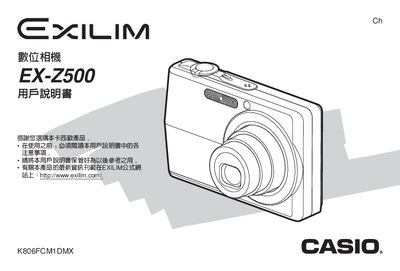
This manual guides users through unboxing, initial setup, and basic operation of the EX‑Z500 camera, including battery installation, charging, and power‑on procedures. Detailed sections cover image capture modes, exposure settings, white‑balance, and playback functions.
Later chapters describe advanced features such as Best Shot, Business Shot, and PictBridge, as well as troubleshooting tips, specifications, and safety information for accessories and power supplies.
| Dimensions (main unit) | 38.3 mm × 38.0 mm × 93 mm |
|---|---|
| Weight (main unit, without battery) | ≈34 g |
| Battery Voltage (rated) | 3.7 V |
| Battery Capacity | 1300 mAh |
| Power Consumption (typical) | ≈3.4 W |
| AC Adapter Input Voltage | 100‑240 V AC, 50/60 Hz, 83 mA |
| USB Power Output | 3.3 V DC, 630 mA |
| Dimensions (accessory unit) | 103 mm × 16 mm × 61 mm |
| Weight (accessory unit) | ≈60 g |
Insert the battery into the camera as described in the “充電電池的装入” section.
The adapter requires 100‑240 V AC, 50/60 Hz and draws about 83 mA.
Charge the battery using the supplied AC adapter or via the USB port as explained in the charging section.
The camera weighs approximately 34 g without the battery.